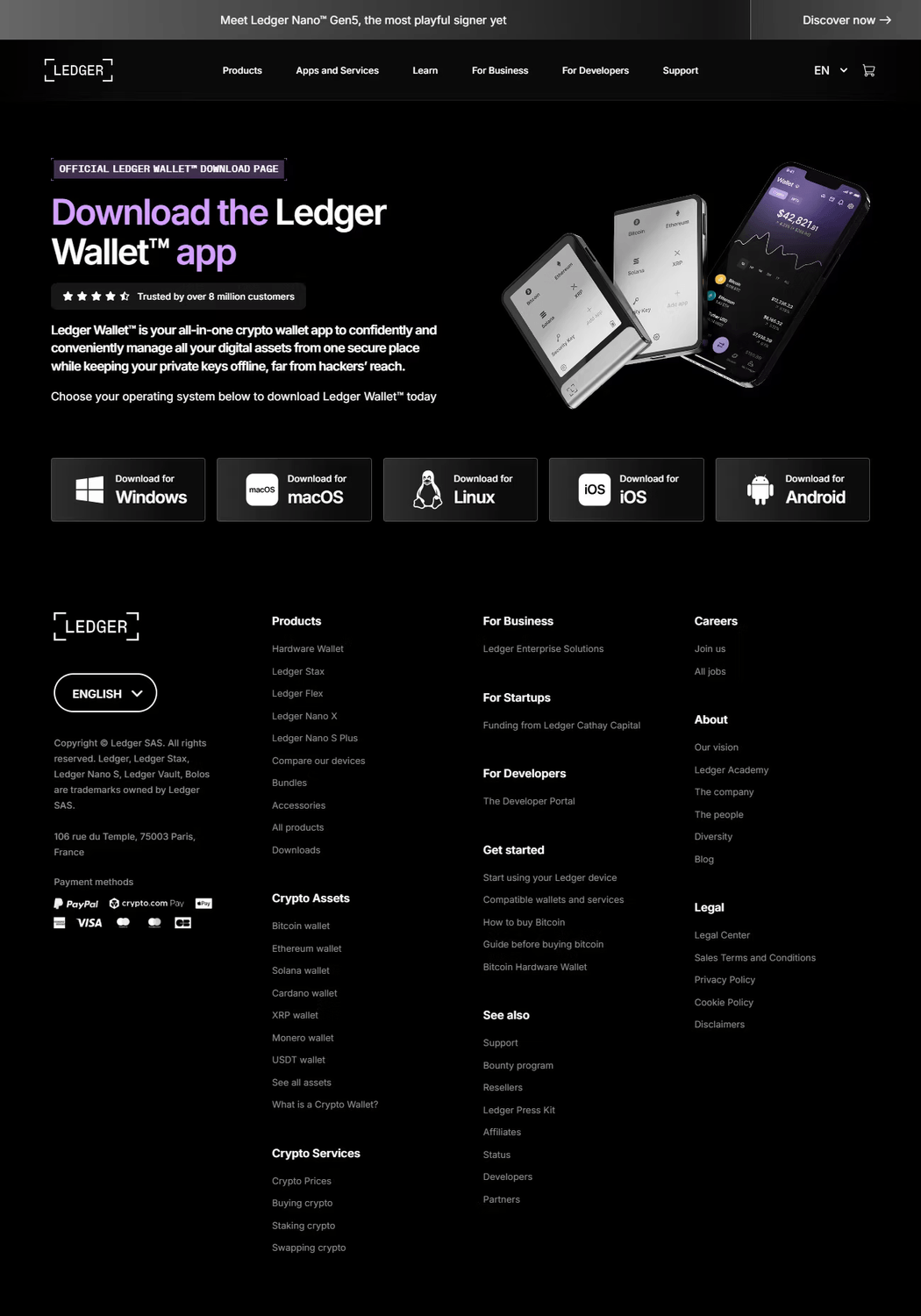
Ledger Live Login – A Complete Guide to Secure Wallet Access
Cryptocurrency users need a reliable way to manage their digital assets while maintaining strong security. Ledger Live, now known as Ledger Wallet, is an application designed to help users manage supported crypto accounts and interact with their Ledger hardware wallet. Understanding the Ledger Live Login process can make wallet management easier and help users avoid common security mistakes.
Whether you are a beginner or an experienced crypto holder, learning how to access the application, connect your device, and protect your wallet information is an important part of responsible cryptocurrency management.
What Is Ledger Live?
Ledger Live is the official companion application for Ledger hardware wallets. It provides an interface for managing supported cryptocurrency accounts, checking portfolio information, and accessing available wallet features.
The application works with compatible Ledger devices, allowing users to manage their crypto accounts while keeping private keys protected by their hardware wallet.
Ledger Live is available for supported desktop and mobile platforms. Users should always download the application through Ledger's official website to reduce the risk of installing counterfeit software.
Understanding Ledger Live Login
Many users search for Ledger Live Login because they want to open their wallet dashboard and access their cryptocurrency accounts. However, it is important to understand that opening the Ledger Wallet application is different from signing in to a traditional online account.
For regular application access, users may need to unlock the app using their configured password. They also need to connect and unlock their compatible Ledger hardware device when performing certain wallet operations.
A Ledger device uses a PIN code to protect access to the hardware wallet. This PIN is separate from any password used to unlock the desktop or mobile application.
How to Access Ledger Live
Follow these general steps to access your Ledger Wallet application safely.
Step 1: Download the Official Application
Visit Ledger's official website and navigate to its Ledger Wallet download page. Select the version compatible with your computer or mobile device.
Avoid downloading wallet software from unknown websites, advertisements, unofficial extensions, or suspicious links shared through messages.
Step 2: Install and Open the Application
After downloading the installer, follow the instructions displayed on your device. Once installation is complete, open Ledger Wallet.
If you already have the application installed, check that you are using the genuine and updated version.
Step 3: Unlock Your Application
If you previously created an application password, enter it to unlock the interface. If you are using the application for the first time, follow its setup instructions.
Remember that an application password is not the same as your hardware wallet's PIN or your Secret Recovery Phrase.
Step 4: Connect Your Ledger Device
Connect your compatible Ledger hardware wallet using the supported connection method. Enter your PIN directly on the Ledger device to unlock it.
The application can then guide you through device verification, account setup, or other supported actions.
Step 5: Access Your Crypto Accounts
Once your device and application are ready, you can explore the available account features. Depending on your device, supported assets, and region, these may include viewing balances, managing accounts, and preparing cryptocurrency transactions.
Always verify transaction details on your Ledger device before approving them.
Important Security Tips for Ledger Live Login
Wallet security should always be a priority. A few simple precautions can help protect your digital assets.
Download from official sources: Use Ledger's genuine website to obtain the application and avoid unofficial downloads.
Protect your PIN: Never share your device PIN with another person. Choose a PIN that is difficult to guess and enter it privately.
Keep your recovery phrase secret: Your 24-word Secret Recovery Phrase gives access to your crypto accounts. Never share it with anyone, including people claiming to be Ledger employees or support representatives.
Avoid suspicious login pages: Fake websites may imitate Ledger branding and ask users to enter sensitive information. Check the website address carefully before interacting with it.
Verify every transaction: Review the recipient address and transaction details on your hardware wallet's screen before confirming.
Ledger's official security guidance explains that your recovery phrase should never be entered into a website or ordinary application. It should remain securely stored offline.
Common Ledger Live Login Problems
Users may occasionally experience difficulty opening the application or connecting their device.
If the application does not open, check whether your operating system and software version meet the current requirements.
If your Ledger device is not detected, inspect the USB connection or try a compatible cable. Restarting the application may also help.
If you forget your application password, follow the official recovery or reset instructions available through Ledger Support. Do not trust third-party websites offering password recovery services.
For account restoration, use the official instructions and your genuine Ledger device. Never enter your recovery phrase into a computer or website to resolve a supposed login error.
Frequently Asked Questions
Is Ledger Live Login the same as a normal account login?
Not necessarily. Unlocking the Ledger Wallet application and accessing your hardware wallet are separate processes from signing in to a traditional online account.
Can I use Ledger Live without a hardware wallet?
Some application features may be accessible without connecting a device, but hardware wallet functions require a compatible Ledger device.
What should I do if a website asks for my recovery phrase?
Stop immediately. Do not enter or share your recovery phrase. Such requests are a major warning sign of a cryptocurrency scam.
Conclusion
Ledger Live Login is an important search topic for cryptocurrency users who want to access their wallet management application securely. By downloading the genuine software, unlocking the application correctly, connecting your Ledger device, and following essential security practices, you can manage your crypto accounts with greater confidence.
Always remember that protecting your recovery phrase and verifying transactions are fundamental parts of cryptocurrency security. A careful approach to wallet access can help you avoid scams and maintain better control over your digital assets.